Select the exact image and path
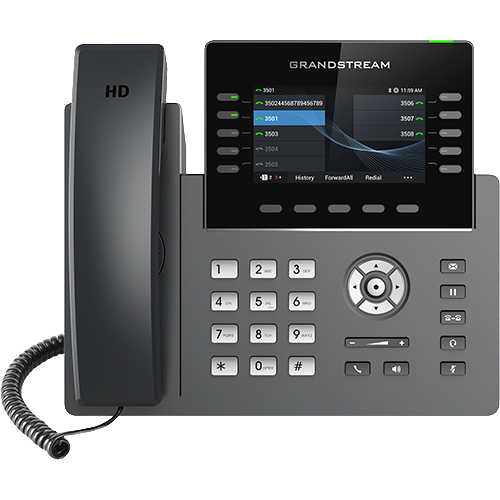
Use manufacturer firmware and release notes for the exact model and hardware variant. Check prerequisites, intermediate upgrade requirements and downgrade restrictions before scheduling a change. A similar model name is insufficient evidence that an image is compatible. Separate the desired firmware version from the version the device actually reports after reboot. A management system accepting an upgrade job does not establish that installation completed.
Pilot real workflows
Use a small group covering the relevant hardware, accessories and provisioning templates. Test registration, inbound and outbound calls, hold, transfer, DTMF, headset behavior, BLF and configuration refresh. For cordless systems, include base and handset compatibility; for Wi-Fi models, include roaming under an active call. Record the old and new releases with observed results. Avoid upgrading the PBX, switch and phone fleet simultaneously unless a documented dependency requires it. Otherwise an interoperability regression becomes much harder to isolate.
Keep recovery reachable
Schedule outside critical use periods, maintain stable power and stagger downloads to avoid a synchronized load spike. Confirm whether the supported rollback retains configuration and whether the old release can read settings written by the new one. If recovery requires a local procedure, retain the manufacturer's instructions and a spare endpoint. Do not describe a factory reset as a universal firmware rollback. After rollout, check the fleet's reported versions and failed jobs, then investigate exceptions before declaring completion.
Do not confuse AudioCodes certification references with current releases
Microsoft lists certification-reference builds for the C435HD and C455HD, then separately publishes a later public-cloud firmware line and bundled application versions. Record what the phone runs and what the tenant approved; neither table alone proves installed state.
Track C436HD and C456HD certification and releases separately
Microsoft lists certification-reference builds for the C436HD and C456HD, then separately publishes later public-cloud firmware and application bundles. Record what each phone actually runs and what the tenant approved; no table alone proves installed state.
Treat the GSC3570 firmware table as current reference, not installed state
Grandstream listed general firmware 1.0.7.10 for the GSC3570 at review. Capture the exact hardware revision and installed build, read matching release notes and preserve supported recovery before changing a facility-control endpoint.
Record the 2N firmware track as well as the version
2N listed OS 3.3.1 for the IP One and IP Verso 2.0 at review, while the 3.3 release line also exposes automatic-update and long-term-support track controls. Preserve the installed build, selected track, integrity data, configuration backup and module inventory before change.
Inventory the T88 platform and applications separately
For the T88W Pro and T88V Pro, record Android, phone firmware, installed applications, provisioning source and accessory state independently. A new product page or current datasheet does not prove the build installed on one regional unit.
Distinguish Fanvil release listings from running builds
At review, Fanvil listed V62 Pro 2.12.26.11 dated October 9, 2026 and V66 Pro 2.12.20.74 dated August 18, 2026. Those are manufacturer-page observations, not installed or approved firmware. Inventory, authorize, back up, update, retest and preserve a rollback path for the exact phone.
Keep WP8x6 general and beta channels explicit
Grandstream listed WP816, WP826 and WP836 general firmware 1.0.3.35 and beta 1.0.3.39 on October 14, 2026. The higher beta number is not a rollout recommendation; record installed release, approved channel, configuration owner, backup, acceptance and rollback.
Bind 8450 firmware to screens, files and integrations
Algo announced 8450 additions in firmware 5.7, but an available release is not an installed or approved state. Preserve 8450 configuration, tones, icons, certificates, licences, API contracts and rollback evidence before accepting a firmware change.
Bind D810W acceptance to the installed image and lifecycle
The D810W guide records exact firmware, security-support state, template and rollback instead of inferring runtime behavior from a current product page.
Follow the current GRP2624 B-image and transition evidence
At review, Grandstream lists 1.0.15.19 as general and 1.0.15.23 as beta for the GRP2624 group. The GRP2624 reference retains the split-image, transition and certificate-backup cautions rather than treating the highest number as a deployment instruction.
Tie 8450 actions to the installed firmware
The Algo 8450 reference keeps release-note capability, approved upgrade, backup, restored mapping and field result separate.
Preserve the Studio V52 intermediate firmware step
The V52 diagnostic follows HP release notes that require devices below 1.6.0 to install 1.6.0 before a later release.
Version Studio V72 updates and peripheral evidence
The V72 diagnostic records the installed build, release notes, power, update progress and resulting version before revalidating peripherals.
Version Studio E60 pairing and update evidence
The E60 diagnostic distinguishes the older IP-LLN minimum from the current release record and verifies the resulting installed versions.
Respect GXW4200 V1/V2 and downgrade boundaries
The GXW4200 v2 family guide requires the chassis label, correct firmware lane and release-note review.
Respect the GRP legacy and split-image boundaries
The refreshed GRP2613 and GRP2615 guides preserve label-based legacy status, separate 1.0.15.x image families, transition firmware and certificate-backup warnings.
Treat current PVOS listings as version evidence
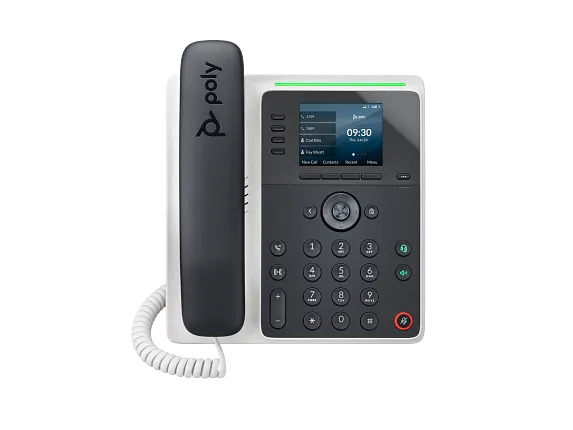
The E100 and E220 references record PVOS 8.6.1 without claiming the installed build, provider approval, update success or downgrade safety.
Match HT812 V2 and HT814 V2 to the V2 image family
The exact-model references record the HT81x V2 firmware family and the unsupported downgrade edge from 1.0.9.3 or later to 1.0.7.5 or earlier.
Match the two Grandstream V2 firmware binaries
Release 1.0.15.3 assigns ht80xv2fw.bin to HT801/HT802 V2 and ht81xv2fw.bin to HT812/HT814/HT818 V2; publication does not prove installed state or upgrade approval.
Confirm HT8x1 port state after firmware 1.0.11.8
Grandstream release 1.0.11.8 names ht8x1fw.bin and publishes Profile Active and Enable Port defaults as No; installed state still requires local evidence.
Bind HT813 firmware to its exact release record
Grandstream lists 1.0.19.6 for HT813; its release notes name ht813fw.bin and publish the release date and MD5.
Record PhoneOS 5.0(2) as release evidence, not installed proof
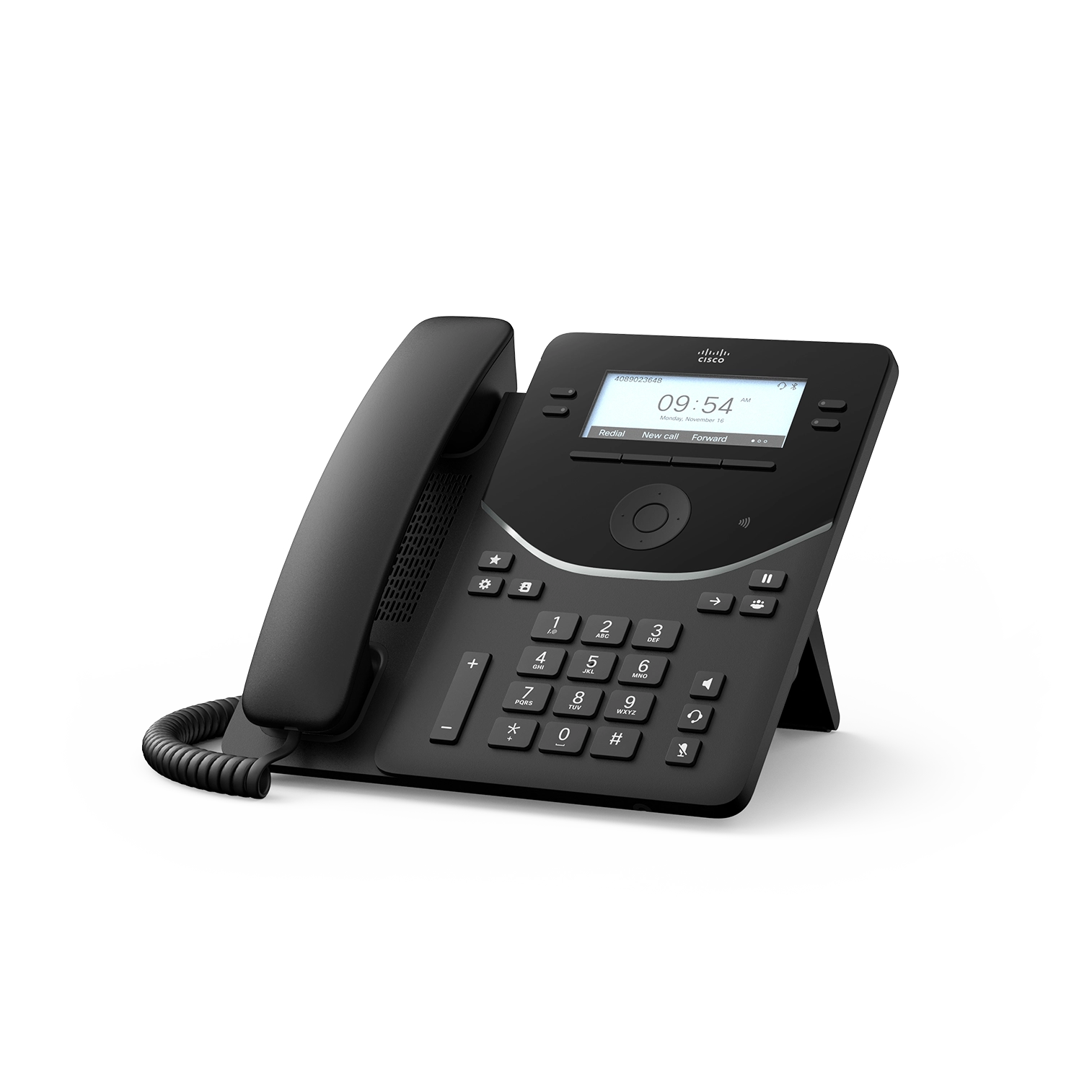
Cisco dates PhoneOS 5.0(2) October 15, 2026 for 9800-series phones. Preserve artifact, platform requirements, transfer, restart, installed build and effective security settings separately.
Record PVOS 8.6.1 as release evidence, not installed proof
HP lists PVOS 8.6.1 with an August 2026 release date. The rebuilt Edge E references preserve approval, artifact, transfer, restart, installed build, radio and module state separately.
Keep PVOS release, installed build and operator layout separate
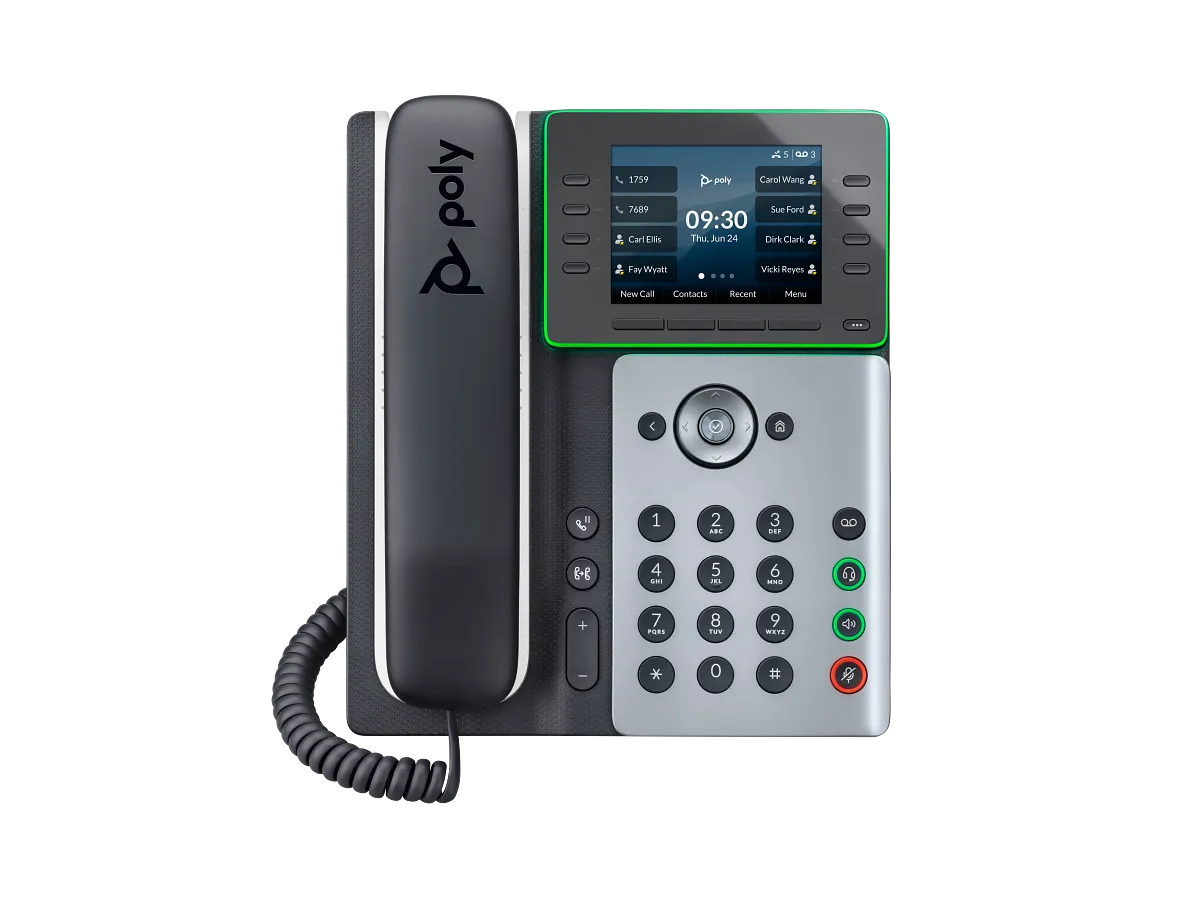
HP lists PVOS 8.6.1 with an August 2026 release date. The rebuilt Edge E350/E500/E550 references preserve approval, artifact, restart, installed build, radios, pages and modules independently.
Treat Trio C60 PVOS 9.5.1 as a release record
HP lists build 9.5.1.0067 with an August 2026 release date. Preserve approval, artifact, installed build, profile, identities, peripherals and the original room symptom separately.
Coordinate Rove base, handset and repeater 8.0.13 artifacts
HP lists separate July 2026 software artifacts for Rove bases, handsets and R8. A base update does not prove every component updated or rejoined.
Retest time behavior on the installed endpoint build
The NTP guide treats vendor defaults and update intervals as model- and firmware-specific documentation, not effective-state proof.
Record the exact Wireless Phone 9821 PhoneOS build
The Wireless Phone 9821 guide requires installed-build evidence and the current support record rather than inferring a release from family naming.
Record RingCentral application release lanes without promoting a future rollout
The RingCentral App guide keeps the downloaded 26.3.30 record separate from the 26.4.10 release window beginning October 28, 2026.
Do not promote an upcoming Zoom Workplace release into installed state
The Zoom Workplace client guide keeps the October 30, 2026 v7.2.5 entry marked TBD separate from released September builds and the app-reported version.
Keep VP59 release and conversion paths distinct
The Yealink VP59 guide retains the Open SIP V87 downgrade caution and the separate Teams-to-Zoom procedure without generalizing either.
Do not transfer NEXT release notes to NextivaONE
The NextivaONE guide records product family, app-reported version, update owner and running process before using a release record.
Do not equate an available Teams update with the running build
The Teams Phone client guide records package owner, update ring, app-reported build and restarted process independently.
Do not equate a Dialpad release cadence with the running client
The Dialpad app guide records passive versus required updates, automatic versus managed ownership and the app-reported build.
Do not equate an 8x8 download with the running build
The 8x8 Work app guide preserves package source, app-reported build, update owner and lifecycle evidence.
Distinguish Vonage download, MSI channel and running build
The VBC app guide preserves package source, deployment owner, update behavior and app-reported version.
Separate Aircall package channel from the running build
The Aircall Workspace guide preserves standard installer, managed installer, store, web-update and runtime evidence.
Preserve the GAC2570 1.0.3.28 downgrade boundary
Grandstream’s 1.0.3.33 release note says a unit upgraded to 1.0.3.28 or later cannot be downgraded below 1.0.3.28. Approval, artifact, installed build and acceptance still require local evidence.
Watch the explanation
This unboxing continues into the phone’s administration interface. It is useful for learning where to change the administrator password, locate the correct documentation and inspect firmware or reset controls before making changes. Pair it with the firmware guide to turn an interface tour into a planned maintenance task with a recoverable configuration.
Read applicability and editorial notes →Watch this video here
X4U demonstration. Fanvil publishes separate V1 and V2 documentation; identify the hardware revision before choosing any firmware image. Review used the available transcript and primary references; audio and screen readability remain unverified.

The player loads only when you choose Watch here. Playback uses YouTube’s privacy-enhanced embed; YouTube processes playback data.
A complete setup follows three separate relationships: the handset subscribes to the DECT base, the base registers SIP accounts, and each handset receives an outgoing line assignment. The final call tests show why checking only one green status indicator is insufficient. This is a particularly useful companion to the cordless-phone guide for anyone encountering a paired handset that still cannot place calls.
Read applicability and editorial notes →Watch this video here
DP750/DP720 demonstration on historical firmware. The manufacturer administration guide documents later hardware credential differences and line assignment. Review used the available transcript and primary references; audio and screen readability remain unverified.

The player loads only when you choose Watch here. Playback uses YouTube’s privacy-enhanced embed; YouTube processes playback data.
Sources & applicability
Primary references for the technical details above. Operational examples and planning checklists are VoIP.info editorial guidance.
- Grandstream: GRP firmware upgrade ↗
- Yealink firmware upgrade support ↗
- AudioCodes C435HD product page ↗
- AudioCodes C435HD version 2.7 specifications ↗
- AudioCodes C435HD supported Teams features ↗
- AudioCodes C455HD product page ↗
- AudioCodes C455HD version 2.7 specifications ↗
- AudioCodes C455HD supported Teams features ↗
- Microsoft Teams certified phones and public-cloud firmware ↗
- AudioCodes C436HD product page ↗
- AudioCodes C436HD version 2.7 overview ↗
- AudioCodes C436HD version 2.7 specifications ↗
- AudioCodes C436HD supported Teams features ↗
- AudioCodes C456HD product page ↗
- AudioCodes C456HD version 3.1 overview ↗
- AudioCodes native Teams phone releases ↗
- AudioCodes C456HD administrator settings ↗
- AudioCodes C456HD accessibility settings ↗
- Grandstream firmware and release notes ↗
- Grandstream GSC3570 FAQ ↗
- 2N IP One support and firmware releases ↗
- 2N IP Verso 2.0 support and firmware releases ↗
- 2N IP intercom configuration manual 3.3 ↗
- Yealink SIP Phone T88 series product page ↗
- Yealink SIP-T88W Pro datasheet ↗
- Yealink SIP-T88V Pro datasheet ↗
- Yealink SIP-T88V Pro support centre ↗
- Yealink T88 line-key administration ↗
- Yealink T88V Pro video settings ↗
- Fanvil V62 Pro product page ↗
- Fanvil V62 Pro datasheet ↗
- Fanvil V62 Pro document centre ↗
- Fanvil V62 Pro firmware page ↗
- Fanvil V66 Pro product page ↗
- Fanvil V66 Pro datasheet — Android wording ↗
- Fanvil V66 Pro datasheet — Linux wording ↗
- Fanvil V66 Pro document centre ↗
- Fanvil V66 Pro firmware page ↗
- Fanvil Security Center support-period statement ↗
- Grandstream WP836 product page ↗
- Grandstream WP836 datasheet ↗
- Grandstream WP816, WP826 and WP836 user guide ↗
- Grandstream WP816, WP826 and WP836 administration guide ↗
- Grandstream WP836 quick installation guide ↗
- Grandstream compliance resources ↗
- Algo current product portfolio ↗
- Algo IP console category ↗
- Algo 8450 IP Console product page ↗
- Algo 8450 IP Console product sheet ↗
- Algo 8450 IP Console user guide ↗
- Algo 8450 firmware download page ↗
- Algo firmware 5.7 release announcement ↗
- Algo central provisioning guide ↗
- Snom D810W product page ↗
- Snom D8xx desk-phone family ↗
- Snom SRAPS secure redirection and provisioning service ↗
- Snom Security Center ↗
- Snom product security lifecycle ↗
- Snom TLS support reference ↗
- Grandstream GRP2624 product page ↗
- Grandstream GRP2624 datasheet ↗
- Grandstream GRP2624 quick installation guide ↗
- Grandstream GRP26xx administration guide ↗
- Algo firmware 5.6 release notes ↗
- Algo local-network redundancy article ↗
- Algo 8450 paging and alert activation article ↗
- HP Poly Studio V52 product page ↗
- HP Poly Studio V52 data sheet ↗
- HP Poly Studio V52 product specifications ↗
- HP Poly Studio V52 user guide ↗
- HP Poly Studio V52 administrator guide ↗
- HP Poly VideoOS Lite release notes ↗
- HP Poly Studio Desktop release notes ↗
- HP Poly Studio V52 and V72 VideoOS Lite 1.6.0 notice ↗
- HP Poly room preparation guide ↗
- HP Poly Studio USB video bars ↗
- HP Poly Studio V72 product page ↗
- HP Poly Studio V72 data sheet ↗
- HP Poly Studio V72 product brief ↗
- HP Poly Studio V72 product specifications ↗
- HP Poly Studio V72 hardware user guide ↗
- HP Poly VideoOS Lite Administrator Guide ↗
- HP Poly Studio V Family Privacy Guide ↗
- HP Poly Studio V72 LED status indicators ↗
- HP Poly Studio E60 product page ↗
- HP Poly Studio E60 data sheet ↗
- HP Poly Studio E60 User Guide ↗
- HP Poly Studio E60 System Web Interface User Guide ↗
- HP Poly Video Mode Administrator Guide 4.7.0 ↗
- HP Poly VideoOS Software Release Notes 4.X ↗
- HP Poly Studio E60 product specifications ↗
- HP Poly Video Mode User Guide 4.5.0 ↗
- HP Poly Studio G62 User Guide ↗
- ↗
- ↗
- ↗
- ↗
- ↗
- ↗
- ↗
- ↗
- ↗
- ↗
- Grandstream GRP2613(W) product page ↗
- Grandstream GRP2615 product page ↗
- Grandstream GRP2615 datasheet ↗
- Grandstream GRP261x series user guide ↗
- Grandstream GRP26xx virtual multi-purpose keys guide ↗
- Grandstream firmware directory ↗
- HP Poly Edge E Series product family ↗
- HP Poly Edge E Series Administrator Guide, PVOS 8.2.1 ↗
- HP Poly Edge E Series User Guide, PVOS 8.2.1 ↗
- HP Poly Voice Software 8.6.1 release notes ↗
- HP Poly Edge E Series flexible line key assignments ↗
- HP Poly Edge E Series PVOS 8.0.0 release notes ↗
- HP Poly Edge E Series safety and regulatory notices ↗
- HP Poly Edge E100 and E220 specification sheet ↗
- Grandstream HT812 v2 product page ↗
- Grandstream HT814 v2 product page ↗
- Grandstream HT812 v2 datasheet ↗
- Grandstream HT814 v2 datasheet ↗
- Grandstream HT81x V2 Administration Guide ↗
- Grandstream HT81x V2 User Guide ↗
- Grandstream HT8xx V2 firmware 1.0.15.3 release notes ↗
- Grandstream Firmware Upgrade Guide ↗
- Grandstream HT802 v2 product page ↗
- Grandstream HT802 V2 datasheet ↗
- Grandstream HT80x V2 Administration Guide ↗
- Grandstream HT80x V2 User Guide ↗
- Grandstream HT818 v2 product page ↗
- Grandstream HT818 V2 datasheet ↗
- Grandstream HT841 and HT881 product page ↗
- Grandstream HT841 and HT881 datasheet ↗
- Grandstream HT841 and HT881 user manual ↗
- Grandstream HT841 and HT881 user manual PDF ↗
- Grandstream HT841 and HT881 FAQ ↗
- Grandstream HT8x1 firmware 1.0.11.8 release notes ↗
- Grandstream UCM6xxx with HT841 and HT881 FXO gateway guide ↗
- Grandstream HT841 and HT881 quick installation guide ↗
- Grandstream HT813 product page ↗
- Grandstream HT813 datasheet ↗
- Grandstream HT813 user guide ↗
- Grandstream HT813 administration guide ↗
- Grandstream HT813 FAQ ↗
- Grandstream HT813 firmware 1.0.19.6 release notes ↗
- Grandstream peering HT8xx with HT813 guide ↗
- Grandstream HT813 quick installation guide ↗
- Cisco Desk Phone 9800 Series data sheet ↗
- Cisco Desk Phone 9800 Series get-started guide ↗
- Cisco PhoneOS 9800 and 8875 release notes ↗
- Cisco Desk Phone 9800 Key Expansion Module guide ↗
- Cisco Desk Phone 9800 Series security technical paper ↗
- Cisco Desk Phone 9800 Series support hub ↗
- Cisco Desk Phone 9800 Series quick reference guide ↗
- Cisco SIP phone denial-of-service advisory, September 2, 2026 ↗
- HP Poly Edge E Series Administrator Guide, PVOS 8.5.0 ↗
- HP Poly Edge E Series User Guide, PVOS 8.6.0 ↗
- HP Poly Voice Software 8.6.x release notes ↗
- HP Poly Edge E phones Bluetooth and Wi-Fi support matrix ↗
- HP Poly Edge E300, E320 and E350 setup and user guides ↗
- HP Poly Edge E300 Series Quick Start Guide ↗
- HP Poly Edge E300 product data sheet ↗
- HP Poly Edge E320 product data sheet ↗
- HP Poly Edge E400 and E450 setup and user guides ↗
- HP Poly Edge E400 Series Quick Start Guide ↗
- HP Poly Edge E400 product data sheet ↗
- HP Poly Edge E450 product data sheet ↗
- HP Poly Edge E300 Series quick start ↗
- HP Poly Edge E350 product data sheet ↗
- HP Poly Edge E500 and E550 setup and user guides ↗
- HP Poly Edge E500 Series quick start ↗
- HP Poly Edge E500 product data sheet ↗
- HP Poly Edge E550 product data sheet ↗
- HP Poly Trio C60 product page ↗
- HP Poly Trio C60 full-radio data sheet ↗
- HP Poly Trio C60 no-radio data sheet ↗
- HP Poly Trio C60 for Microsoft Teams full-radio data sheet ↗
- HP Poly Trio C60 Administrator Guide 9.3.0 ↗
- HP Poly Trio C60 User Guide 9.4.0 ↗
- HP Poly Voice Software 9.5.x release notes ↗
- HP Poly Trio C60 setup, administration and release library ↗
- HP Poly Rove wireless DECT phone solution ↗
- HP Poly Rove B2 base station product page ↗
- HP Poly Rove B4 base station product page ↗
- HP Poly Rove 30 handset product page ↗
- HP Poly Rove 40 handset product page ↗
- HP Poly Rove DECT IP Phone Administrator Guide 8.0.11 ↗
- HP Poly Rove DECT IP Phone User Guide 8.0.12 ↗
- HP Poly Rove DECT IP Phone Parameter Reference Guide ↗
- HP Poly Rove DECT IP Phones 8.0.13 release notes ↗
- HP Poly Rove software and archived release notes ↗
- HP Poly Rove base-station setup and guide library ↗
- HP Poly Rove handset setup and guide library ↗
- RFC 5905: Network Time Protocol Version 4 ↗
- RFC 8633: Network Time Protocol Best Current Practices ↗
- RFC 2132: DHCP Options and BOOTP Vendor Extensions ↗
- RFC 8915: Network Time Security for the Network Time Protocol ↗
- Yealink W90 Time and Date guide ↗
- Cisco 7800 Multiplatform Phones administration guide: time and date ↗
- Cisco 8800 administration guide: phone time and certificate authentication ↗
- Cisco Wireless Phone 9821 data sheet ↗
- Cisco Wireless Phone support index ↗
- Cisco Wireless Phone 9821 WLAN deployment guide ↗
- Cisco Wireless Phone 9821 abbreviated WLAN deployment guide ↗
- Cisco Wireless Phone 9821 quick reference guide ↗
- Cisco Wireless Phone 9821 user help ↗
- Cisco Wireless Phone 9821 regulatory and safety information ↗
- Cisco Wireless Phone 9821 headset compatibility guide ↗
- Cisco Wireless Phone end-user documentation index ↗
- RingCentral — app system requirements ↗
- RingCentral — app downloads and current package records ↗
- RingCentral — desktop app release notes ↗
- RingCentral — RingCentral Phone app end-of-life and end-of-support ↗
- RingCentral — sign-in troubleshooting ↗
- RingCentral — app issue troubleshooting and diagnostic capture ↗
- RingCentral — RingEX network requirements ↗
- RingCentral — making and answering calls in the app ↗
- RingCentral — app microphone, speaker and audio settings ↗
- RingCentral — desktop and web network-quality indicators ↗
- RingCentral — Calls table in Quality of Service Analytics ↗
- RingCentral — updating an emergency response location ↗
- Zoom — getting started with Zoom Phone for users ↗
- Zoom — phone settings in Zoom Workplace and Zoom Web App ↗
- Zoom — Workplace desktop system requirements ↗
- Zoom — Workplace mobile system requirements ↗
- Zoom — Workplace app release notes ↗
- Zoom — Zoom Phone frequently asked questions ↗
- Zoom — meeting and phone statistics ↗
- Zoom — sending a Zoom Phone problem report ↗
- Zoom — network firewall and proxy settings ↗
- Zoom — Network Connectivity Tool ↗
- Zoom — troubleshooting sign-in issues ↗
- Zoom — testing device audio for Zoom Phone ↗
- Yealink SIP-VP59 datasheet ↗
- Yealink VP59 support index ↗
- Yealink SIP-VP59 V1 quick start guide V86.20 ↗
- Yealink administrator guide for VP59 and SIP-T58/CP96X V86.11 ↗
- Yealink February 25, 2026 SIP firmware release record including VP59 91.87.0.25 ↗
- Yealink VP59 Teams Edition product resources ↗
- Yealink VP59 Teams firmware and release-note record ↗
- Yealink VP59 Zoom Phone Appliance product page ↗
- Yealink VP59 Teams and Zoom version-conversion guidance ↗
- Yealink SIP IP phones auto-provisioning guide V1.5 ↗
- Yealink security certificates guide V1.4 ↗
- Yealink Zoom phone provisioning-server guidance for VP59 ↗
- Nextiva — NextivaONE support landing page ↗
- Nextiva — NextivaONE getting started and system requirements ↗
- Nextiva — NextivaONE troubleshooting tips ↗
- Nextiva — managing calls in NextivaONE ↗
- Nextiva — NextivaONE Mobile FAQs ↗
- Nextiva — setting the default NextivaONE audio device ↗
- Nextiva — gathering NextivaONE log files ↗
- Nextiva — NextivaONE call feedback ↗
- Nextiva — NextivaONE unable to log in ↗
- Nextiva — updating the NextivaONE desktop application ↗
- Nextiva — networking guidelines and NextivaONE ports ↗
- Nextiva — NEXT release notes ↗
- Nextiva — signing in to the NEXT desktop app ↗
- Microsoft Learn — Microsoft Teams client ↗
- Microsoft Learn — Teams client system requirements ↗
- Microsoft Learn — set up Teams Phone ↗
- Microsoft Learn — Teams dial pad configuration ↗
- Microsoft Support — manage Teams call settings ↗
- Microsoft Support — troubleshoot Teams mobile notifications ↗
- Microsoft Learn — configure Teams calling policies ↗
- Microsoft Learn — Teams client health dashboard ↗
- Microsoft Learn — diagnostic logs for Teams Client ↗
- Microsoft Learn — collect Teams client diagnostic logs ↗
- Microsoft Learn — monitor and troubleshoot Teams meetings and calls ↗
- Microsoft Learn — manage emergency calling policies in Teams ↗
- Microsoft Learn — Teams user location consent ↗
- Dialpad — app requirements ↗
- Dialpad — download Dialpad ↗
- Dialpad — use the Dialpad web app ↗
- Dialpad — app updates ↗
- Dialpad — your Dialpad profile ↗
- Dialpad — make a call ↗
- Dialpad — receive a call ↗
- Dialpad — check your in-app audio settings ↗
- Dialpad — network setup recommendations ↗
- Dialpad — System Test ↗
- Dialpad — app troubleshooting ↗
- Dialpad — troubleshooting outbound calls ↗
- Dialpad — Quality of Service Dashboard ↗
- Dialpad — E911 Emergency Services ↗
- Dialpad — Dynamic E911 ↗
- 8x8 — download 8x8 Work for Desktop and system requirements ↗
- 8x8 — Work for Desktop version end-of-life policy ↗
- 8x8 — get started as an XF Workspace user ↗
- 8x8 Work for Desktop — site map and capability visibility ↗
- 8x8 Work for Desktop — set your presence status ↗
- 8x8 Work for Desktop — notification and incoming-call settings ↗
- 8x8 Work for Desktop — manage call quality ↗
- 8x8 Work for Desktop — microphone noise suppression and AGC ↗
- 8x8 — use the Network Utility tool ↗
- 8x8 Network Utility — troubleshooting ↗
- 8x8 Admin Console — set up emergency address for users ↗
- 8x8 — Nomadic 911 FAQ ↗
- 8x8 — product feedback versus support cases ↗
- 8x8 — use service during an Internet or power outage ↗
- Vonage Business — Vonage Desktop App ↗
- Vonage Business — Vonage Mobile App ↗
- Vonage Business — VBC Applications Compatibility ↗
- Vonage Business — Manage Emergency Services ↗
- Vonage Business — Network Requirements and Best Practices ↗
- Vonage Business — Troubleshoot Desktop App Issues ↗
- Vonage Business — Vonage Desktop App MSI Installation ↗
- Vonage Business — Apply Extension Settings ↗
- Vonage Business — Call Continuity Service ↗
- Vonage Business — Network Quality Tool ↗
- Vonage Business — Perform Echo Test for Voice Calls ↗
- Aircall — Workspace downloads ↗
- Aircall — What is Aircall Workspace? ↗
- Aircall — Access Workspace and make calls ↗
- Aircall — Mobile device requirements for Workspace ↗
- Aircall — Device and headset recommendations ↗
- Aircall — Keeping Workspace up to date ↗
- Aircall — Workspace audio settings ↗
- Aircall — Audio quality troubleshooting guide ↗
- Aircall — Workspace network diagnostics ↗
- Aircall — Emergency address setup for US and Canada numbers ↗
- Aircall — Workspace inbound calls ↗
- Aircall — Contacting Aircall Support ↗
- Grandstream GAC2570 product page ↗
- Grandstream GAC2570 datasheet ↗
- Grandstream GAC2570 1.0.3.33 release notes ↗
- Grandstream security bulletins ↗
- Grandstream Helpdesk ↗
Examples require adaptation to your topology. No live PBX or hardware testing is claimed.