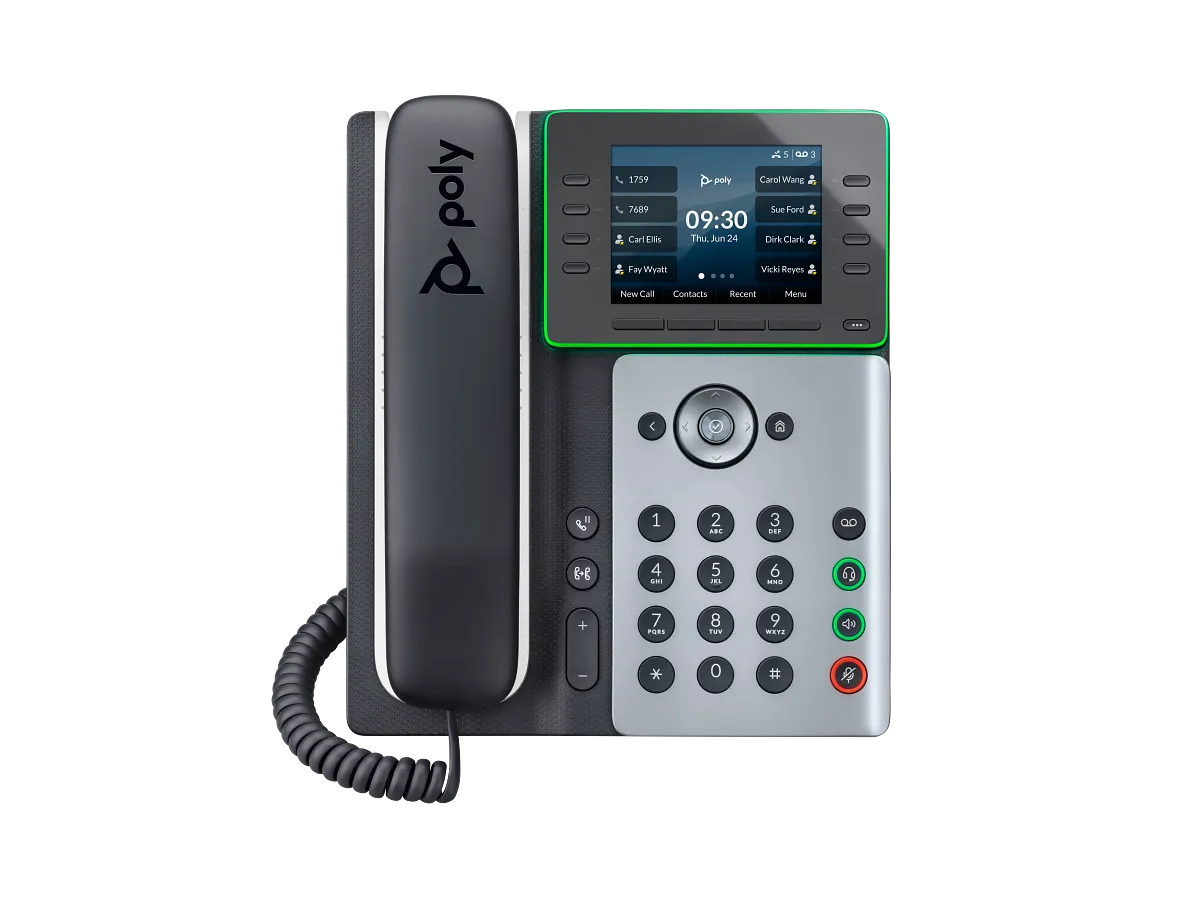
Freeze the exact model and first symptom
Record bottom-label model and product number, software model, MAC address, installed PVOS, power source, network interface, provisioning owner, host and module pages, attached accessories and the first mismatch. Redact credentials, numbers, Wi-Fi secrets, certificates and packet payloads.
Preserve state before a reset, firmware change or template replacement.
Stop at the model or radio mismatch
E350 and E550 include Bluetooth and Wi-Fi. E500 includes neither Bluetooth nor Wi-Fi; NFC is not either path. Firmware cannot add absent radio hardware.
Compare the physical label, software model, inventory, local menus and effective configuration before changing credentials or network policy.
Reconcile physical keys, pagination and registrations
E350 has eight physical keys, 32 paginated assignments and 32 supported registrations. E500 and E550 have 12 physical keys, up to 48 paginated positions and 34 supported registrations. These are separate quantities and none states simultaneous-call capacity.
Capture page, key, category, value, label, source and observed state.
Recalculate E500-series layout after module attachment
E500 and E550 support up to two expansion modules, each with 22 physical keys and 66 assignments across three pages. Attaching a module disables host pagination, leaving 12 host positions before the module. E350 does not support this module.
Do not add disabled host pages to the module total.
Trace power, network and provisioning before SIP
A second E500-series module requires PoE+ or an approved AC adapter. Prove power, module enumeration, Ethernet or authorized Wi-Fi, VLAN or SSID, addressing, DNS, time, configuration request, response, apply event and effective state before registration.
Then preserve signaling and media on the same attempt.
Retest under the approved PVOS lifecycle
HP lists PVOS 8.6.1 released August 2026. Preserve current and target builds, provider approval, artifact identity, backup, certificates, pilot and rollback. After one authorized correction, repeat the original radio, key, module, power, registration or call symptom.
No phone or live workflow was tested for this diagnostic.
Sources & applicability
Primary references for the technical details above. Operational examples and planning checklists are VoIP.info editorial guidance.
- HP Poly Edge E Series product family ↗
- HP Poly Edge E Series Administrator Guide, PVOS 8.5.0 ↗
- HP Poly Edge E Series User Guide, PVOS 8.6.0 ↗
- HP Poly Voice Software 8.6.x release notes ↗
- HP Poly Edge E phones Bluetooth and Wi-Fi support matrix ↗
- HP Poly Edge E300, E320 and E350 setup and user guides ↗
- HP Poly Edge E300 Series quick start ↗
- HP Poly Edge E350 product data sheet ↗
- HP Poly Edge E500 and E550 setup and user guides ↗
- HP Poly Edge E500 Series quick start ↗
- HP Poly Edge E500 product data sheet ↗
- HP Poly Edge E550 product data sheet ↗
Examples require adaptation to your topology. No live PBX or hardware testing is claimed.