Start with a role and action matrix
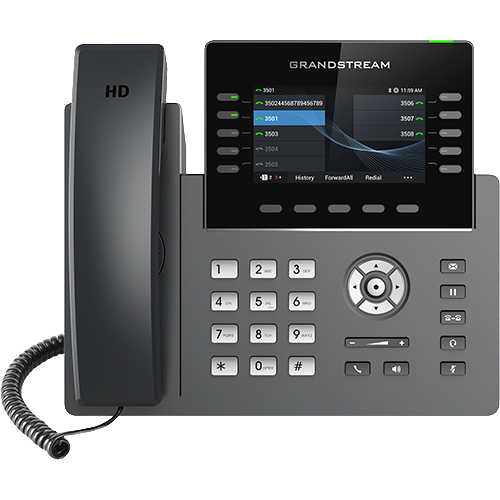
For each desk type, record how the user answers, transfers, holds, retrieves voicemail, monitors colleagues, joins a queue, uses a headset and handles a network or power interruption. Reception may need many visible monitored keys and rapid transfer recovery; a lobby or common-area caller may need few choices, clear labels and restricted dialing. Screen size or account count cannot substitute for this workflow map.
Include accessibility, language, mounting, cleaning, lighting, noise and reach constraints. A feature that exists several menus deep may still fail an intended one-touch workflow. Keep user roles separate so the highest-spec desk does not become the unexplained default for the whole fleet.
Bind the exact model to the calling platform
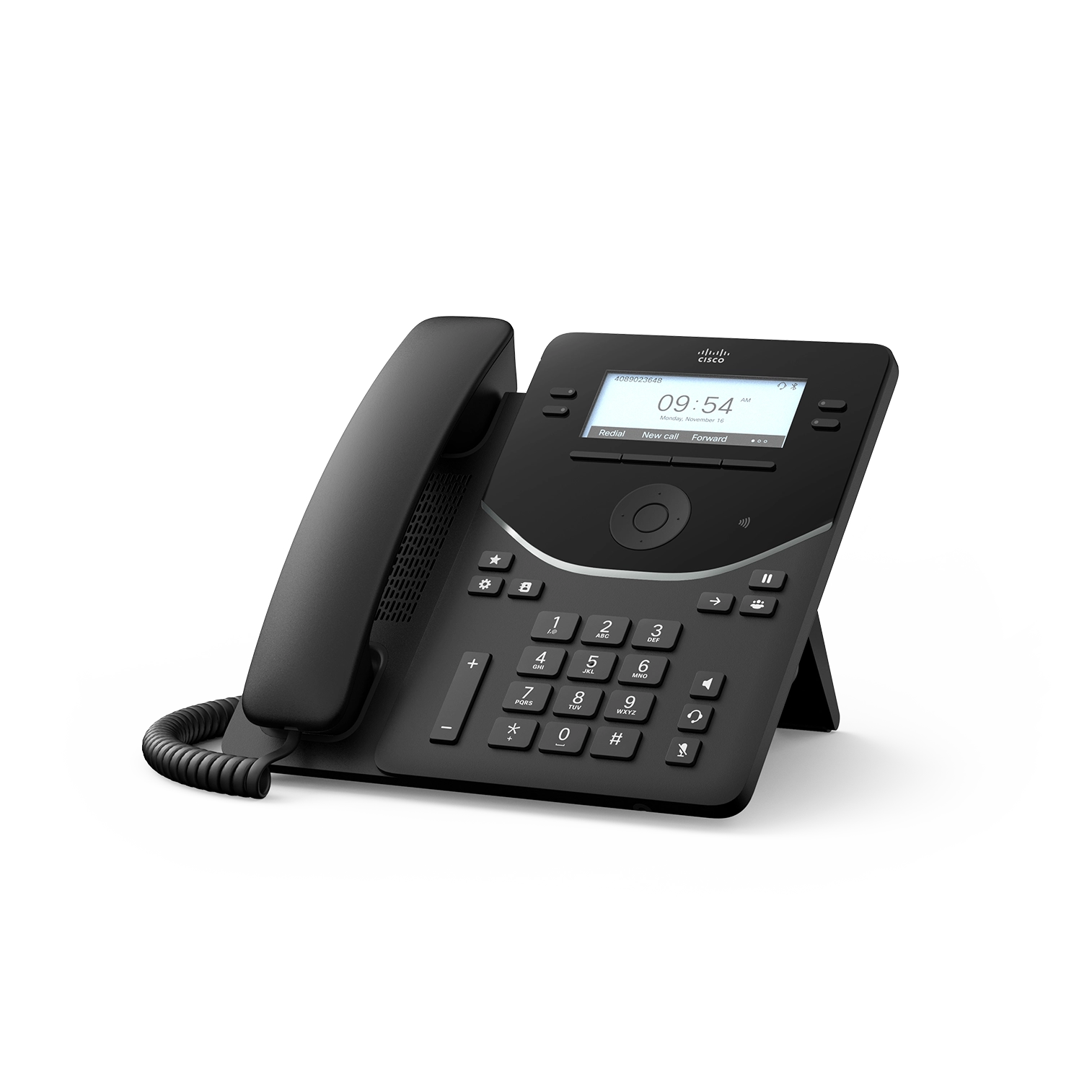
Record the service, tenant or PBX version, provisioning owner, approved firmware branch and exact regional model or SKU before comparing features. Current vendor portfolios mix generic SIP, service-specific, radio and no-radio variants. Cisco's 9800 data sheet, for example, lists customized, NFC-disabled and no-radio SKUs alongside platform choices; those are distinct procurement and policy outcomes, not cosmetic variations.
A standards-based SIP claim does not prove that a provider will provision the phone, expose every key function or support the selected firmware. Obtain an exact-model support statement and preserve the provisioning template, certificate, license and management prerequisites.
Prove the physical network and power path
For the exact model, verify Ethernet speed, PC pass-through needs, negotiated PoE class, local-power option, cable route, VLAN behavior and whether built-in or accessory Wi-Fi changes the power requirement. Count the phone and every attached expansion unit against the switch budget with the PoE calculator.
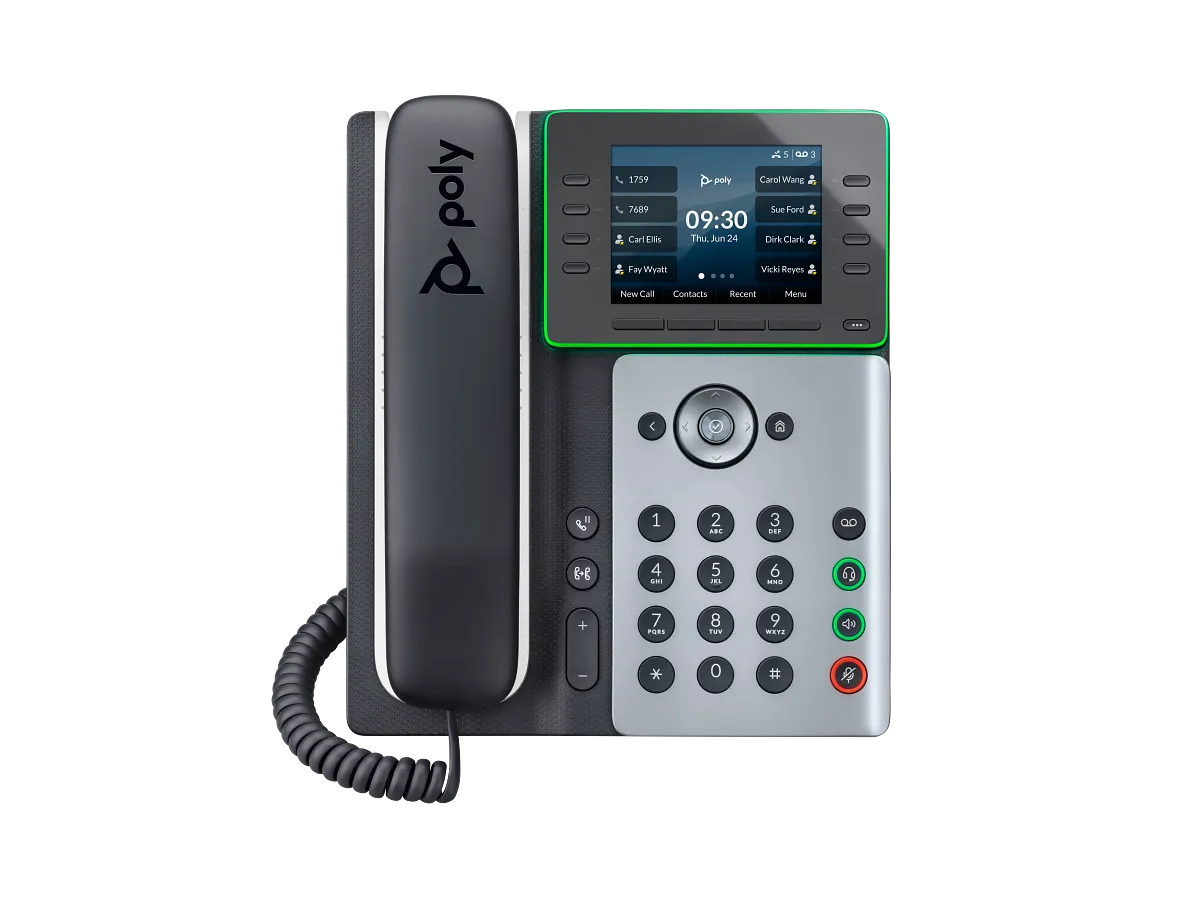
Do not infer one family member's behavior from another. HP notes that Edge E Wi-Fi operation without PoE needs an optional supply, while its Edge E user guidance places extra expansion-module power conditions on some multi-module configurations. Capture the exact phone, module count, switch port and power method in the pilot.
Treat accessories as compatibility pairs
Verify the headset connector, USB behavior, electronic-hook-switch adapter, Bluetooth or DECT path, expansion module, wall mount and power supply against the exact phone and firmware. A vendor listing an accessory somewhere in its phone portfolio does not make it compatible with every model. Yealink's current catalogue separates several expansion modules, headset adapters, Wi-Fi adapters and product families; Cisco lists one 9800 KEM as an optional accessory rather than a feature present on every order.
For receptionist keys, distinguish physical line keys, paged virtual keys, screen contacts and external expansion-module capacity. Test busy-lamp state, page changes and a transfer under real directory size rather than counting marketing labels.
Price the managed lifecycle, not the handset
Include licenses, power supplies, PoE capacity, headsets, mounts, expansion units, configuration, management service, spares, shipping, training and replacement labor. Record the current support status, firmware source, security-advisory path and end-of-sale or end-of-support policy before accepting discounted inventory. Current catalog presence proves only that a vendor lists the family at review time; it does not prove local stock, price or remaining support for a particular SKU.
Define who can change firmware and configuration, how credentials and certificates are protected, how a failed update rolls back and how a lost or retired phone is removed from the service. Keep purchase price separate from installed and maintained cost.
Pilot one complete desk before fleet purchase
Use the intended user, switch port, headset, expansion unit, provisioning system and calling service. Test first boot, enrollment, inbound and outbound calls, caller display, DTMF, hold, attended and blind transfer, voicemail, busy and unavailable destinations, audio-device switching, directory and monitored-key load, reboot, power loss, network interruption, firmware update and rollback. Include the approved emergency-calling and location procedure without placing an unauthorized emergency call.
Record exact SKU, hardware revision where exposed, firmware, accessories, PoE result, configuration owner and observed outcomes. Ask the user to complete the essential actions without coaching. No phone, accessory, switch, PoE budget, provisioning service, platform, call, emergency workflow, price, stock or compatibility was inspected or tested for this guide.
Compare the interaction model, not only the screen size
The AudioCodes C435HD combines physical controls with a 4.3-inch display; the C455HD uses a 5-inch touch display and variant-specific radios and expansion. Choose from real user tasks, then validate the exact SKU, policy, power, accessories and managed-software state.
Choose AudioCodes controls from the workload
The C436HD offers a built-in sidecar for visible contacts at a shared position; the C456HD uses a touch interface, programmable action button and optional expansion module. Test the exact user tasks, account, policy, power and managed software rather than ranking hardware controls in isolation.
Do not select a facility controller as an ordinary desk phone
The GSC3570 offers SIP calling, but its alarm I/O, video monitoring, relay workflows and wall-mounted control role make it a facility system component rather than a general employee handset. Evaluate physical control, security and outage ownership before voice features.
Choose T88 audio or video variants from the workload
The T88W Pro is an Android touch phone with a Bluetooth handset; the T88V Pro adds an integrated video path. Select from required calls, privacy, accessories and user tasks, then verify the full order code, firmware, service approval and network design.
Choose the V62 Pro or V66 Pro from the real workflow
The V62 Pro emphasizes compact controls and a Bluetooth handset; the V66 Pro adds touch, Wi-Fi and receive-side video. Select from required tasks, network, accessories and privacy, then verify order code, firmware, service approval and support evidence.
Choose rugged Wi-Fi models from the worker route
Use the rugged Wi-Fi handset category when an endpoint must move through warehouses, healthcare, security or field-service areas. Select from real exposure, call, alarm, application, cleaning, battery and accessory requirements rather than the highest IP or drop number.
Compare Wi-Fi desk phones at the complete-path boundary
A Wi-Fi radio does not remove power, VLAN, credential, certificate, provisioning or SIP dependencies. Use the D810W evidence chain as a current exact-model example.
Compare hybrid-work audio by path, not by one feature label
A current 6940w evidence chain separates the phone SIP line, PC collaboration audio, paired-mobile audio, network access, controls and power.
Specify the GRP2624 hardware revision when Wi-Fi 6 matters
A purchase line naming only GRP2624 does not establish hardware version 5.0 or later, regional stock, approved firmware, GBX20 pairing or provider acceptance. Make the required label, radio, power, accessories and service evidence explicit.
Require a hardware-revision and firmware evidence row
The GRP2613 and GRP2615 records show why a model name alone is insufficient: radio, account, lifecycle and firmware claims can vary by suffix, revision and software.
Count Edge E physical keys and paginated assignments separately
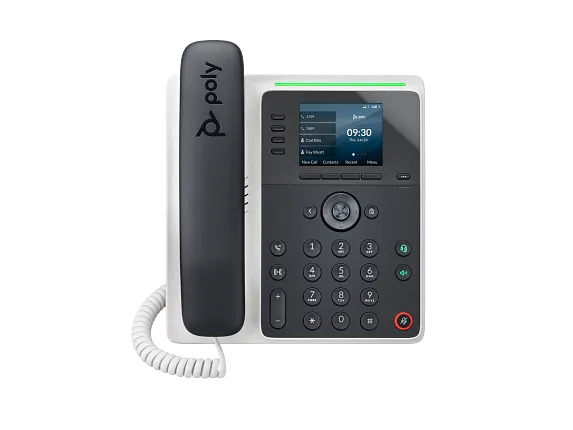
The E100 has two physical keys and eight assignments, while the E220 has four and sixteen; neither figure is registration or simultaneous-call capacity.
Treat an ATA as an analog boundary, not an IP phone substitute
The HT812 V2 and HT814 V2 preserve analog device behavior behind FXS ports; compare that operational boundary with native IP-phone provisioning and features.
Evaluate concentrated ATA failure domains
An eight-port HT818 V2 concentrates power, network and provisioning impact, while a two-port HT802 V2 has a smaller analog boundary.
Account for the FXO gateway failure domain
An HT841 or HT881 concentrates several PSTN circuits behind shared power, network, routing and firmware.
Do not select a hybrid ATA by port count alone
The HT813 combines one FXS and one FXO role, but PSTN supervision, routing, safety use and provider acceptance still need local evidence.
Choose a Cisco 9800 control surface from the real desk workflow
Compare 9841, 9851, 9861 and 9871 by visible keys, touch behavior, radio variant, accessory power and calling platform rather than one family headline.
Choose an Edge E300 or E400 series phone from the actual workflow
Compare E300, E320, E400 and E450 by physical controls, pages, radio hardware and module need rather than one family headline.
Choose an E350 or E500-series phone from the actual desk workflow
Compare E350, E500 and E550 by physical controls, radio path, operator layout, module count and power rather than one family headline.
Include time-source and authenticated-time controls in acceptance
The NTP guide shows why server override, zone, daylight policy and authenticated-time support must be checked on the exact model and firmware.
Watch the explanation
Understand why a headset purchase needs more than a matching brand name. The explainer separates USB audio, headset-port cabling, electronic hook-switch control and Bluetooth in a workstation base. Use those distinctions to assemble a compatibility checklist for your desk phone, computer and mobile device before comparing wearing styles or prices.
Read applicability and editorial notes →Watch this video here
WH62/WH63/WH66/WH67-era explanation. The linked manufacturer matrix takes precedence over historical model exclusions in the video. Review used the available transcript and primary references; audio and screen readability remain unverified.

The player loads only when you choose Watch here. Playback uses YouTube’s privacy-enhanced embed; YouTube processes playback data.
See the V63 assembled and powered up, then follow its language, contacts, sound and display menus. The useful stopping point is a powered phone that has not yet been provisioned: screen activity and a ringtone do not mean the device has a registered calling account. Pair the tour with the provisioning checklist before handing a new phone to a user.
Read applicability and editorial notes →Watch this video here
V63 product demonstration. Use V63-specific documentation for the ordered hardware revision. Review used the available transcript and primary references; audio and screen readability remain unverified.

The player loads only when you choose Watch here. Playback uses YouTube’s privacy-enhanced embed; YouTube processes playback data.
Sources & applicability
Primary references for the technical details above. Operational examples and planning checklists are VoIP.info editorial guidance.
- Yealink current IP phone catalogue ↗
- HP Poly Edge E Series phone portfolio ↗
- Cisco 9800 Series official datasheet ↗
- AudioCodes C435HD product page ↗
- AudioCodes C435HD version 2.7 specifications ↗
- AudioCodes C435HD supported Teams features ↗
- AudioCodes C455HD product page ↗
- AudioCodes C455HD version 2.7 specifications ↗
- AudioCodes C455HD supported Teams features ↗
- Microsoft Teams certified phones and public-cloud firmware ↗
- AudioCodes C436HD product page ↗
- AudioCodes C436HD version 2.7 overview ↗
- AudioCodes C436HD version 2.7 specifications ↗
- AudioCodes C436HD supported Teams features ↗
- AudioCodes C456HD product page ↗
- AudioCodes C456HD version 3.1 overview ↗
- AudioCodes native Teams phone releases ↗
- AudioCodes C456HD administrator settings ↗
- AudioCodes C456HD accessibility settings ↗
- Grandstream GSC3570 product page ↗
- Grandstream GSC3570 datasheet ↗
- Yealink SIP Phone T88 series product page ↗
- Yealink SIP-T88W Pro datasheet ↗
- Yealink SIP-T88V Pro datasheet ↗
- Yealink SIP-T88V Pro support centre ↗
- Yealink T88 line-key administration ↗
- Yealink T88V Pro video settings ↗
- Fanvil V62 Pro product page ↗
- Fanvil V62 Pro datasheet ↗
- Fanvil V62 Pro document centre ↗
- Fanvil V62 Pro firmware page ↗
- Fanvil V66 Pro product page ↗
- Fanvil V66 Pro datasheet — Android wording ↗
- Fanvil V66 Pro datasheet — Linux wording ↗
- Fanvil V66 Pro document centre ↗
- Fanvil V66 Pro firmware page ↗
- Fanvil Security Center support-period statement ↗
- Grandstream WP836 product page ↗
- Grandstream WP836 datasheet ↗
- Grandstream WP816, WP826 and WP836 user guide ↗
- Grandstream WP816, WP826 and WP836 administration guide ↗
- Grandstream WP836 quick installation guide ↗
- Grandstream firmware listings ↗
- Grandstream compliance resources ↗
- Snom D810W product page ↗
- Snom D8xx desk-phone family ↗
- Snom SRAPS secure redirection and provisioning service ↗
- Snom Security Center ↗
- Snom product security lifecycle ↗
- Snom TLS support reference ↗
- Mitel 6900 SIP Phones document center ↗
- Mitel 6900 IP Phone Series product page ↗
- Mitel 6940 and 6940w SIP phone user guide, release 6.4 SP3 ↗
- Mitel 6800, 6900 and 6900w SIP phones administrator guide, release 6.4 ↗
- Mitel 6900 accessories document center ↗
- Mitel 6940w SIP phone learning center for MX-ONE ↗
- Grandstream GRP2624 product page ↗
- Grandstream GRP2624 datasheet ↗
- Grandstream GRP2624 quick installation guide ↗
- Grandstream GRP26xx administration guide ↗
- Grandstream GRP26xx firmware upgrade guide ↗
- Grandstream GRP2613(W) product page ↗
- Grandstream GRP2615 product page ↗
- Grandstream GRP2615 datasheet ↗
- Grandstream GRP261x series user guide ↗
- Grandstream GRP26xx virtual multi-purpose keys guide ↗
- Grandstream firmware directory ↗
- HP Poly Edge E Series Administrator Guide, PVOS 8.2.1 ↗
- HP Poly Edge E Series User Guide, PVOS 8.2.1 ↗
- HP Poly Voice Software 8.6.1 release notes ↗
- HP Poly Edge E Series flexible line key assignments ↗
- HP Poly Edge E Series PVOS 8.0.0 release notes ↗
- HP Poly Edge E Series safety and regulatory notices ↗
- HP Poly Edge E100 and E220 specification sheet ↗
- Grandstream HT812 v2 product page ↗
- Grandstream HT814 v2 product page ↗
- Grandstream HT812 v2 datasheet ↗
- Grandstream HT814 v2 datasheet ↗
- Grandstream HT81x V2 Administration Guide ↗
- Grandstream HT81x V2 User Guide ↗
- Grandstream HT8xx V2 firmware 1.0.15.3 release notes ↗
- Grandstream Firmware Upgrade Guide ↗
- Grandstream HT802 v2 product page ↗
- Grandstream HT802 V2 datasheet ↗
- Grandstream HT80x V2 Administration Guide ↗
- Grandstream HT80x V2 User Guide ↗
- Grandstream HT818 v2 product page ↗
- Grandstream HT818 V2 datasheet ↗
- Grandstream HT841 and HT881 product page ↗
- Grandstream HT841 and HT881 datasheet ↗
- Grandstream HT841 and HT881 user manual ↗
- Grandstream HT841 and HT881 user manual PDF ↗
- Grandstream HT841 and HT881 FAQ ↗
- Grandstream HT8x1 firmware 1.0.11.8 release notes ↗
- Grandstream UCM6xxx with HT841 and HT881 FXO gateway guide ↗
- Grandstream HT841 and HT881 quick installation guide ↗
- Grandstream SIP device provisioning guide ↗
- Grandstream HT813 product page ↗
- Grandstream HT813 datasheet ↗
- Grandstream HT813 user guide ↗
- Grandstream HT813 administration guide ↗
- Grandstream HT813 FAQ ↗
- Grandstream HT813 firmware 1.0.19.6 release notes ↗
- Grandstream peering HT8xx with HT813 guide ↗
- Grandstream HT813 quick installation guide ↗
- Cisco Desk Phone 9800 Series get-started guide ↗
- Cisco PhoneOS 9800 and 8875 release notes ↗
- Cisco Desk Phone 9800 Key Expansion Module guide ↗
- Cisco Desk Phone 9800 Series security technical paper ↗
- Cisco Desk Phone 9800 Series support hub ↗
- Cisco Desk Phone 9800 Series quick reference guide ↗
- Cisco SIP phone denial-of-service advisory, September 2, 2026 ↗
- HP Poly Edge E Series Administrator Guide, PVOS 8.5.0 ↗
- HP Poly Edge E Series User Guide, PVOS 8.6.0 ↗
- HP Poly Voice Software 8.6.x release notes ↗
- HP Poly Edge E phones Bluetooth and Wi-Fi support matrix ↗
- HP Poly Edge E300, E320 and E350 setup and user guides ↗
- HP Poly Edge E300 Series Quick Start Guide ↗
- HP Poly Edge E300 product data sheet ↗
- HP Poly Edge E320 product data sheet ↗
- HP Poly Edge E400 and E450 setup and user guides ↗
- HP Poly Edge E400 Series Quick Start Guide ↗
- HP Poly Edge E400 product data sheet ↗
- HP Poly Edge E450 product data sheet ↗
- HP Poly Edge E300 Series quick start ↗
- HP Poly Edge E350 product data sheet ↗
- HP Poly Edge E500 and E550 setup and user guides ↗
- HP Poly Edge E500 Series quick start ↗
- HP Poly Edge E500 product data sheet ↗
- HP Poly Edge E550 product data sheet ↗
- RFC 5905: Network Time Protocol Version 4 ↗
- RFC 8633: Network Time Protocol Best Current Practices ↗
- RFC 2132: DHCP Options and BOOTP Vendor Extensions ↗
- RFC 8915: Network Time Security for the Network Time Protocol ↗
- Yealink W90 Time and Date guide ↗
- Cisco 7800 Multiplatform Phones administration guide: time and date ↗
- Cisco 8800 administration guide: phone time and certificate authentication ↗
Examples require adaptation to your topology. No live PBX or hardware testing is claimed.