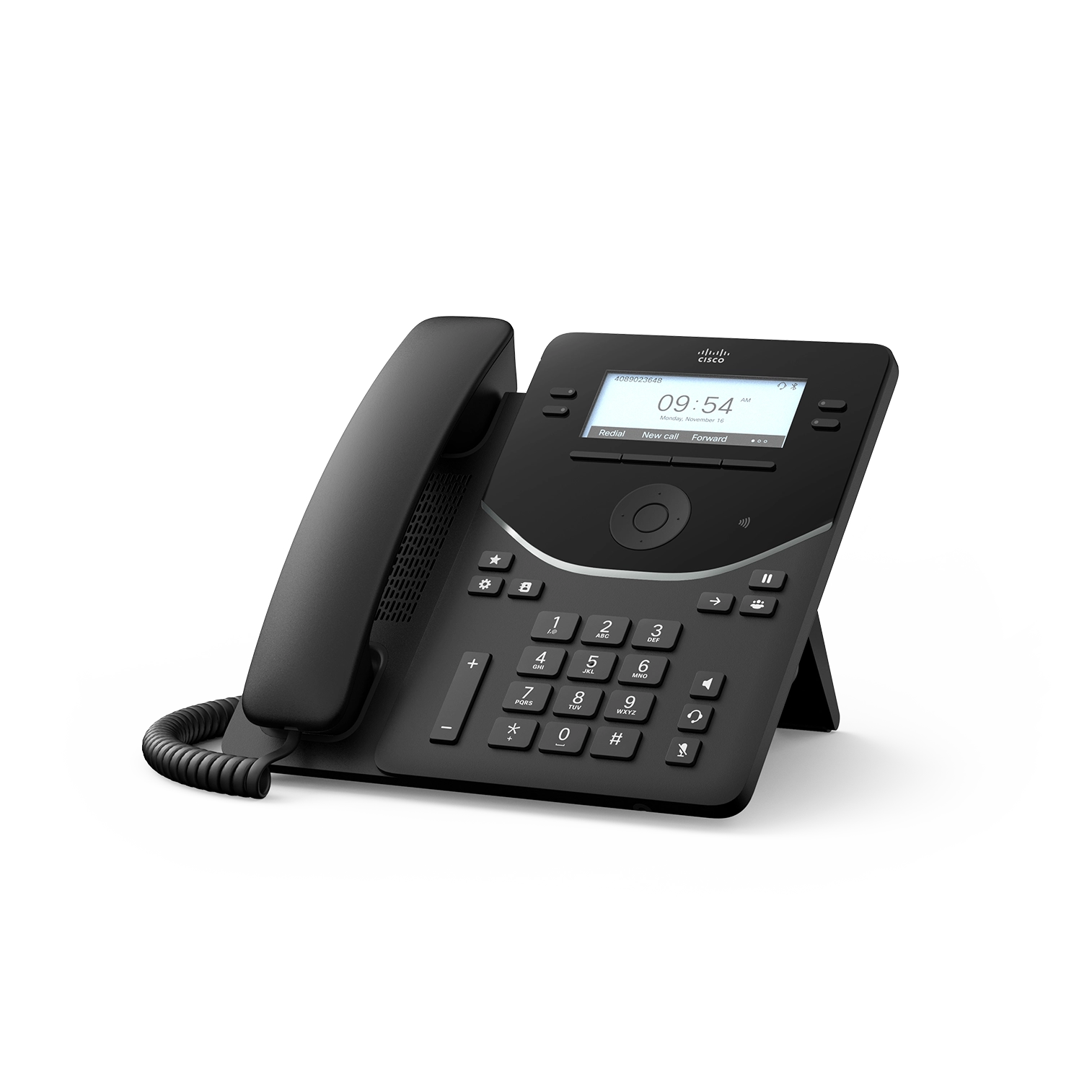
Freeze the exact phone and symptom
Record rear-label model, product ID, hardware VID, MAC, installed PhoneOS, calling platform, device type, power source and attached USB or KEM hardware. State the first symptom: missing registration, wrong key layout, absent Wi-Fi or Bluetooth, missing KEM, reboot, certificate rejection or a call failure.
Redact credentials, activation codes, telephone numbers, certificates and packet payloads. Do not factory-reset before preserving the intended and effective state.
Stop at the model or radio mismatch first
9841 and 9851 are wired models without Wi-Fi or Bluetooth. 9861 and 9871 have radio and NR variants; the NR variants do not gain radios through firmware. Compare the physical label with the provisioned phone type and inventory record.
For 9841NR or 9851NR hardware VID V07 or later on Unified CM, verify Cisco current device-package or QED requirements and the exact phone type before changing network or SIP settings.
Trace platform, provisioning and registration separately
Preserve the calling-system version, tenant or cluster, device package, assigned owner, provisioning result and registration transaction. A registered phone can still have an incorrect layout, while a correct layout file does not prove registration or calling.
Follow Ethernet or WLAN, VLAN or SSID, addressing, DNS, time, certificate validation, transport and registration in order. Keep every response and timestamp on the same attempt.
Reconcile host keys, KEM positions and platform limits
9841 has four physical line keys and no KEM support. 9851 has six keys and one KEM. 9861 has ten keys and up to three KEMs. 9871 uses virtual touchscreen keys and can attach up to three KEMs. Each module supplies two pages of 20 positions.
Prove each assignment and the platform limit. Feature positions, SIP lines, shared appearances, BLF targets and simultaneous calls are not interchangeable.
Prove the accessory power and firmware lifecycle
Record switch PoE class and budget, local adapter, USB loads and KEM count. Cisco documents only one KEM under PoE for 9861 or 9871; two or three require Cisco Power Adapter 3. Preserve host and KEM firmware states and any automatic module update separately.
PhoneOS 5.0(2) is dated October 15, 2026, but downloaded, transferred, rebooted and installed states still require evidence. Apply certificate and web-access security changes only to their documented platform and setting conditions.
Retest the original symptom and adjacent boundary
After one authorized correction, repeat the original registration, layout, radio, KEM or certificate symptom. Then test the adjacent boundary: renewal, every required line or feature key, KEM page, wired or wireless recovery, headset, transfer, two-way media, DTMF, restart persistence and the approved emergency workflow.
No Cisco phone, platform, accessory, firmware, registration, packet, call or emergency workflow was tested for this diagnostic.
Sources & applicability
Primary references for the technical details above. Operational examples and planning checklists are VoIP.info editorial guidance.
- Cisco Desk Phone 9800 Series data sheet ↗
- Cisco Desk Phone 9800 Series get-started guide ↗
- Cisco PhoneOS 9800 and 8875 release notes ↗
- Cisco Desk Phone 9800 Key Expansion Module guide ↗
- Cisco Desk Phone 9800 Series security technical paper ↗
- Cisco Desk Phone 9800 Series support hub ↗
- Cisco Desk Phone 9800 Series quick reference guide ↗
- Cisco SIP phone denial-of-service advisory, September 2, 2026 ↗
Examples require adaptation to your topology. No live PBX or hardware testing is claimed.