Watch · Video guides

See how it works.

Selected video explanations, paired with the written guides and version notes that help you put them to use.

Find your next video

Browse all 78 selections
Experience level, length and sorting
Clear filters

78 videos · Showing 25–48

Phone operation · Foundational

Grandstream GRP2615: transfer, voicemail and desk wiring

Lightspeed VoiceVersion-specific

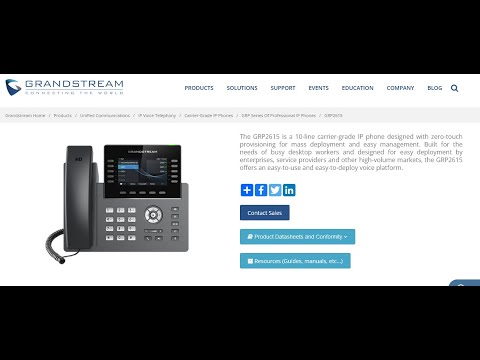
A practical GRP2615 walkthrough follows both sides of a new-phone handover: making calls confidently and understanding the cables behind the desk. It distinguishes blind from attended transfer, personal from shared voicemail, and a held caller from a shared parked call. The product reference supplies hardware context while this video shows how a provider’s button layout is used.

Phone operation · Foundational

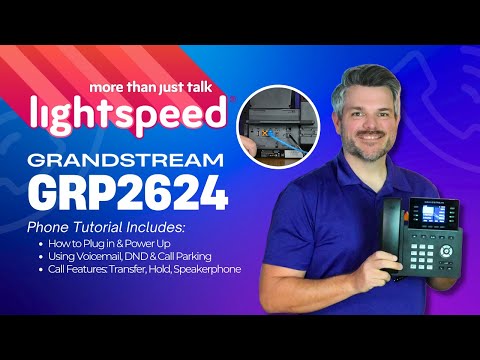
Grandstream GRP2624: wiring and everyday calls with Lightspeed Voice

Lightspeed VoiceVersion-specific

Start with the physical connections and continue through the operations a new GRP2624 user will need: answering, holding, transferring, conferencing and checking messages. The guide connects the phone’s softkeys to the provider’s shared voicemail and parking setup. Its wiring explanation is also a useful companion when a desk shares one network cable between a computer and phone.

Setup & configuration · Intermediate

Grandstream GXP firmware: follow a UCM Zero Config update

Legacy

See how a provisioning policy points a GXP2170 at a firmware source, and why global policy, global templates and model templates have different reach. The demonstration also catches a stale browser version label and checks the installed version in system information. It is useful preparation for a staged update, provided you replace the historical firmware choices with your approved maintenance plan.

Setup & configuration · Intermediate

Grandstream multicast paging: configure the sender and the listeners

US TechnologiesVersion-specific

This demonstration makes a useful separation: a programmable key originates the page, while receiving phones need a matching listening configuration. That distinction helps explain a common failure in which the page button exists but nothing is heard. Read the paging and VLAN guides alongside it before deciding which devices should receive announcements.

Product demonstration · Intermediate

Grandstream WP810 vs WP820: what a Wi-Fi roaming trial can tell you

Crosstalk SolutionsLegacy

Chris compares two cordless Wi-Fi phones and describes walking a live call across his home access points. The most useful part is the reported interruption during handoffs and his explicit warning that another network may behave differently. Read the roaming guide beside it to separate coverage, registration and media continuity when designing your own acceptance test.

Setup & configuration · Intermediate

Grandstream WP820: manual SIP registration on a cloud service

AccentLegacy

Follow a WP820 from Wi-Fi connectivity into its web interface, SIP account settings and an outbound call. The narration keeps the charging cradle separate from the network connection, which helps distinguish this design from a DECT handset and base. Use the registration guide to understand why joining an SSID is only the first stage of getting a working telephone.

Phone operation · Foundational

Grandstream WP825: everyday calls and a provider parking example

Version-specific

A compact WP825 lesson introduces the softkeys and handset buttons, then moves through hold, blind transfer, shared parking and paging. Its most useful lesson is how a cordless user can hand a caller to a desk elsewhere in the building. Treat the service-code sequence as an example to translate into your own provider’s workflow.

How to use these selections

Read the applicability note before following a configuration walkthrough. Older interfaces can still teach useful concepts; the written guides provide our current software baseline. Videos remain on the creator’s channel, and you can open them directly on YouTube.

Selection notes are based on the complete available transcript and checks against primary documentation. Audio and screen readability have not yet been independently verified. Chapter timestamps are included only when verified.

Selections are editorial. A creator may promote their own services or affiliate links; that does not establish a relationship with VoIP.info.

Claims worth examining

Some popular explanations need a closer look. These reviews distinguish useful ideas from claims that the protocol does not support.

SIP and VOIP. The Privacy Solution No One Knows About