Jabra Evolve 65: re-pair a Link 370 USB adapter
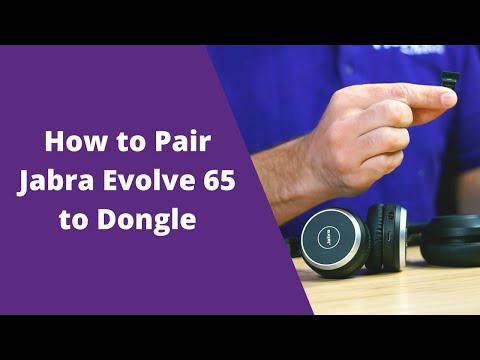
The player loads only when you choose Watch here. Playback uses YouTube’s privacy-enhanced embed; YouTube processes playback data.
Why this is useful
This walkthrough uses Jabra Direct to discover a headset and pair it with a USB Bluetooth adapter. It helps separate two tasks that are often confused: pairing the headset to the adapter and choosing that adapter as the calling application’s audio device.
Applicability
Version-specificShows Evolve 65 and also discusses Evolve2 65. These are different product generations; bundled adapter models and Jabra Direct screens can differ.
Keep in mind
- Check the exact headset and adapter combination before following the example.
- An adapter being paired does not ensure that the softphone selected it for microphone and speaker.
Before you watch
Have the supported headset, USB adapter and Jabra Direct on the computer used for calling.
Put it into practice
Connect the intended adapter, put the headset in pairing mode and select it in Jabra Direct. Then choose the adapter in the operating system and softphone, and make a short test call to check both microphone and playback.
Technical references
Editorial review Sep 8, 2026. Review used the complete available transcript and primary references; audio and screen readability remain unverified.