Grandstream GRP2624: wiring and everyday calls with Lightspeed Voice
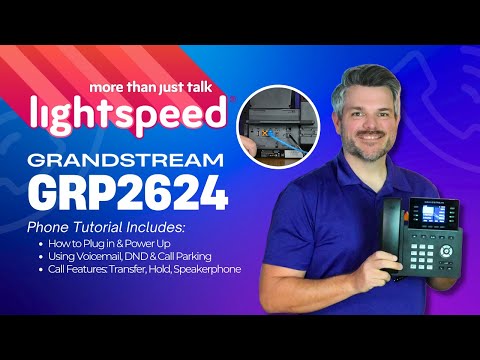
The player loads only when you choose Watch here. Playback uses YouTube’s privacy-enhanced embed; YouTube processes playback data.
Why this is useful
Start with the physical connections and continue through the operations a new GRP2624 user will need: answering, holding, transferring, conferencing and checking messages. The guide connects the phone’s softkeys to the provider’s shared voicemail and parking setup. Its wiring explanation is also a useful companion when a desk shares one network cable between a computer and phone.
Applicability
Version-specificLightspeed Voice’s GRP2624 configuration. Hardware revisions and later firmware can change capacity or available menus.
Keep in mind
- Park 9001/9002, general voicemail and star codes belong to the service template. Obtain your own mailbox and access details.
- Conference behavior when the host leaves is configurable. Confirm it before using a conference as a handoff.
Before you watch
A configured phone, its service instructions and a willing test caller.
Put it into practice
Identify LAN, PC, handset and headset ports without unplugging an active desk. Then practise one attended transfer and confirm your voicemail PIN has been changed from any initial value.
Technical references
Editorial review Sep 8, 2026. Review used the complete available transcript and primary references; audio and screen readability remain unverified.