Grandstream UCM630x: provision a GRP phone with Zero Config
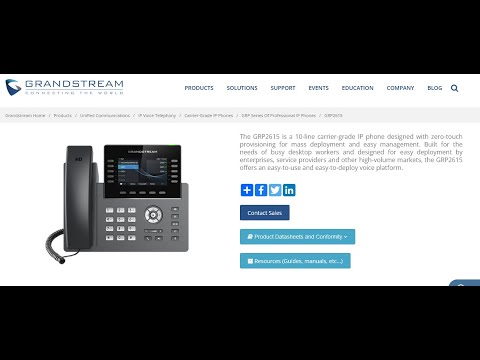
The player loads only when you choose Watch here. Playback uses YouTube’s privacy-enhanced embed; YouTube processes playback data.
Why this is useful
Follow the discovery of a GRP phone, model-package preparation and assignment of a PBX extension. The example connects the PBX’s provisioning action with the phone’s registration result, making it a useful companion to understanding what automatic provisioning actually delivers.
Applicability
Version-specificLocal UCM630x Zero Config workflow with a GRP2615. This is distinct from GDMS cloud provisioning, and menu locations vary by UCM release.
Keep in mind
- The model template package is not the same as the phone’s firmware image.
- Use approved management access and unique credentials; keep provisioning traffic and files within the intended trust boundary.
Before you watch
Have authorized access to a UCM630x and a supported spare phone on the intended management network.
Put it into practice
In a test deployment, identify the phone by MAC address, assign a spare extension and update it. Check registration at both ends, then make and receive a call. Record which settings came from the template so future updates remain predictable.
Technical references
Editorial review Sep 8, 2026. Review used the complete available transcript and primary references; audio and screen readability remain unverified.