Choose a family, then an exact model
Yealink's catalogue includes T3, T4, T5, T7 and T8 families. A family name is a starting point, not a compatibility certificate. Compare the exact model, hardware revision and firmware accepted by your calling platform before ordering a fleet.
The AX83H and AX86R are portable Wi-Fi SIP handsets, not DECT devices. The AX86R adds published protection and worker-control claims; neither model removes the need for an enterprise Wi-Fi survey and roaming test.
Match hardware to the desk
An ordinary office desk may prioritize a readable screen and a comfortable headset. Reception needs visible monitored extensions and reliable transfer actions. A remote desk may need wireless networking, but Wi-Fi support and power availability are separate questions.
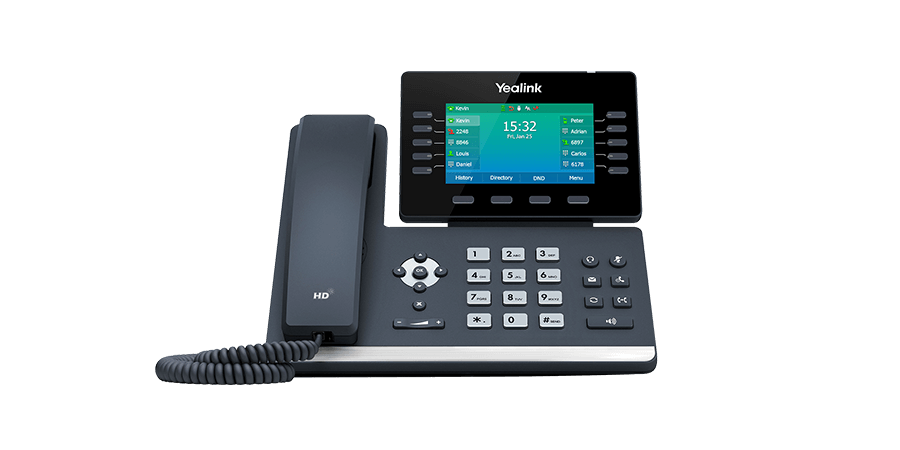
The T54W combines ten physical line keys, built-in Wi-Fi and Bluetooth with one USB port shared among documented accessory roles; its 16 accounts, 27 mapped key assignments and optional DD10K or EXP50 paths remain separate planning numbers. The T73U illustrates another established control and connectivity choice. The current T85W and touch-screen T87W add another control-layout decision; compare exact-model keys, display and provisioning rather than assuming every family member works alike. The SP96 is a host-connected USB and Bluetooth speakerphone rather than a standalone Yealink SIP phone. The WH64 Hybrid is likewise a host-connected headset: DECT and Bluetooth provide distinct audio and control paths, while the computer or mobile application remains the call owner.
Provisioning and lifecycle checks
Ask the service provider which firmware and provisioning template it supports, who owns administrator access and how the phone is released when service ends. Check the manufacturer's end-of-sale and end-of-life notices by exact model before purchase. A product page alone does not promise a future support period.
Pilot acceptance
Test registration, inbound and outbound calling, headset controls, hold, attended transfer and message waiting. Repeat after a reboot and provisioning refresh. Buy according to the workflow results; this directory does not claim hands-on testing or rank the brand above alternatives.
Android 15 common-area Teams boundary
The MP52 E2 is an exact-model Android 15 Teams phone with a compact non-touch display and no built-in Wi-Fi or Bluetooth listed in its own data sheet. Keep its common-area identity, licence, Ethernet/PoE design and Hybrid Mode acceptance separate from sibling MP E2 models.
Android 15 touch-screen Teams boundary
The MP56 E2 adds a current seven-inch Android 15 Teams reference with Wi-Fi, Bluetooth and an EXP50 expansion path. Keep it distinct from the discontinued original MP56 and from the compact non-touch MP52 E2; control layout, radios, accessories, installed firmware, identity and tenant workflow remain exact-model decisions.
Keep the T58W Pro handset, camera and Android lanes separate
The SIP-T58W Pro combines a seven-inch Android touch display with BTH58 Bluetooth-handset support. The handset is not a DECT system, CAM50 video remains optional or bundle-specific, and 16 SIP accounts, 27 DSS assignments and up to three EXP50 modules are not simultaneous-call capacity.
Keep the T74U wired model and optional radio path exact
The Yealink T74U reference separates its ten physical line keys, 50 on-phone DSS assignments, up to three EXP55 modules, USB power budget, optional WF50 or BT51 paths, package and installed firmware. Shared T7X firmware does not merge it with the T74W or other radio models.
Keep the T77U touch interface and connector paths exact
The Yealink T77U adds a current seven-inch touch-screen T7X reference with USB-A and USB-C connectors, headset and EHS support and a color-screen expansion path. Those published capabilities do not establish the attached accessory set, power budget, programmed keys, installed firmware, service approval or usable call workflow.
Keep the T73U wired base model and optional radios exact
The Yealink T73U reference separates eight physical line keys, 40 on-phone DSS assignments, up to three EXP55 modules, the shared USB path, optional WF50 or BT51 accessories, package and installed firmware. Similar T7X names do not give the T73U built-in radios.
Keep the W90 manager, radio bases and handset fleet separate
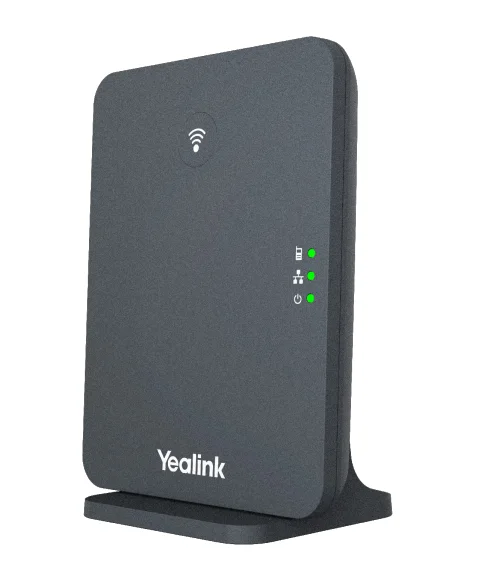
The W90 multi-cell reference separates the W90DM manager from W90B radio bases, per-cell call limits, synchronization, regional DECT variants and supported handset workflows. The system and VIM headline counts do not replace occupied-building radio design or PBX acceptance.
Keep MeetingBar A50 platform and peripheral modes separate
The Yealink MeetingBar A50 can serve documented native room-platform and General Mode workflows, but its H.323/SIP, BYOD, controller, port and content-sharing behavior is mode-specific. Treat its triple-camera and 10-metre pickup figures as manufacturer specifications pending room acceptance.
Place W75 between single-cell and large multi-cell designs
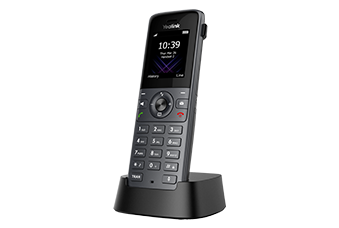
The W75 mini multi-cell system documents manager and base roles, a three-cell ceiling and per-base call limits. Pair it with the W74H handset reference without treating handset calls, SIP accounts, radio-cell capacity and system totals as one number.
Choose the CP935W radio architecture before room testing
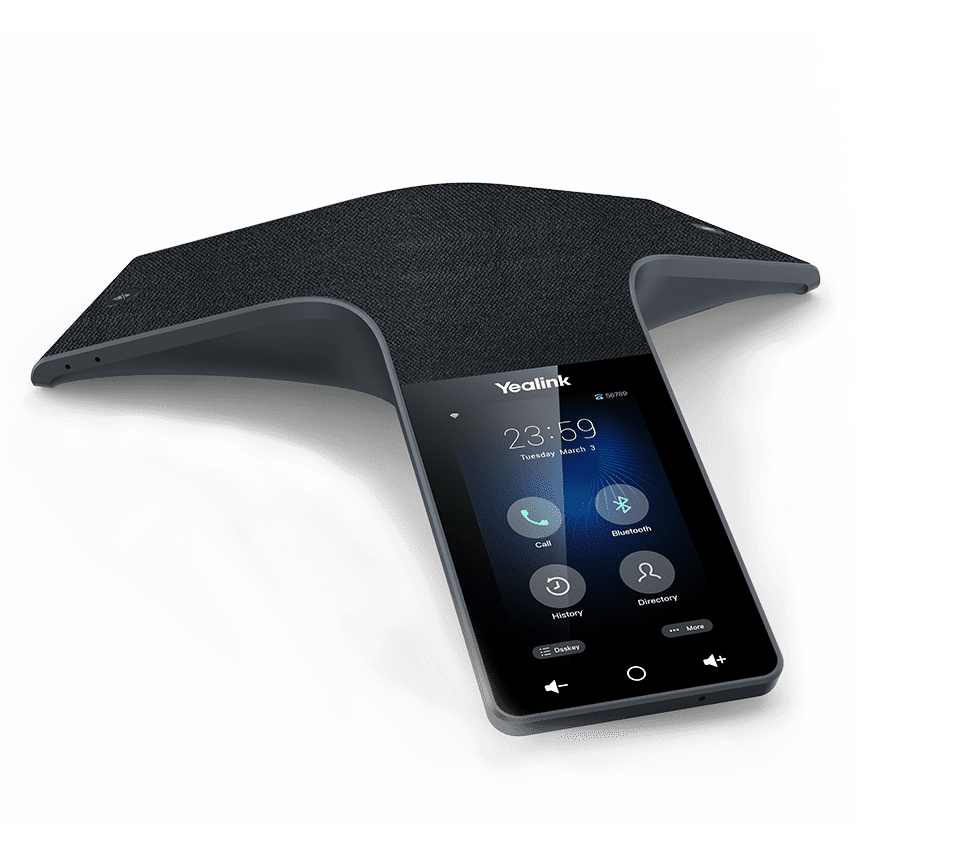
The CP935W Wi-Fi reference covers direct SIP registration over Wi-Fi. The CP935W-Base reference covers the same conference endpoint attached to a W70B single DECT cell. Keep account placement, IP ownership, firmware, range and power evidence attached to the chosen package.
Add the current T88 Pro interaction models
The T88W Pro combines Android 13, a seven-inch touch interface and a BTH88 Bluetooth handset. The T88V Pro adds an adjustable camera, shutter, indicator and negotiated H.264 video path. Keep the exact variant, regional package, firmware, applications, accessories and service acceptance separate.
Keep VP59 edition and service evidence separate
The Yealink VP59 guide distinguishes Open SIP, Teams and Zoom Phone Appliance state, build, entitlement, provisioning and media.
Sources & applicability
Primary references for the technical details above. Operational examples and planning checklists are VoIP.info editorial guidance.
- Yealink current IP phone catalogue ↗
- Yealink product lifecycle policy ↗
- Yealink T54W exact-model datasheet ↗
- Yealink SP96 exact-model specifications ↗
- Yealink WH64 Hybrid product page ↗
- Yealink SIP-T58W Pro technical specifications ↗
- Yealink SIP-T58W Pro support datasheet ↗
- Yealink SIP-T58W Pro manufacturer datasheet ↗
- Yealink SIP-T58W Pro with Camera specifications ↗
- Yealink SIP-T74U product page ↗
- Yealink SIP-T74U datasheet ↗
- Yealink SIP-T74U quick-start guide v1.1 ↗
- Yealink SIP-T74U support centre ↗
- Yealink SIP-T77U product page ↗
- Yealink SIP-T77U support centre ↗
- Yealink SIP-T73U product page ↗
- Yealink SIP-T73U datasheet ↗
- Yealink SIP-T73U support centre ↗
- Yealink W90 DECT IP Multi-Cell System ↗
- Yealink W90DM / W90B support centre ↗
- Yealink W90 datasheet ↗
- Yealink MeetingBar A50 product page ↗
- Yealink MeetingBar A50 datasheet ↗
- Yealink A50 wired BYOD guide ↗
- Yealink A50 wireless IP BYOD guide ↗
- Yealink MeetingBar A40 and A50 security whitepaper ↗
- Yealink W75 product page ↗
- Yealink W75DM / W75B support centre ↗
- Yealink W75 datasheet ↗
- Yealink W74H product page ↗
- Yealink W74H datasheet ↗
- Yealink CP935W product page ↗
- Yealink CP935W support centre ↗
- Yealink CP935W 149.87.0.40 release note ↗
- Yealink CP935W-Base product page ↗
- Yealink CP935W-Base support centre ↗
- Yealink CP935W-Base datasheet ↗
- Yealink W70B datasheet ↗
- Yealink DECT single-cell and multi-cell comparison ↗
- Yealink SIP Phone T88 series product page ↗
- Yealink SIP-T88W Pro datasheet ↗
- Yealink SIP-T88V Pro datasheet ↗
- Yealink SIP-T88V Pro support centre ↗
- Yealink T88 line-key administration ↗
- Yealink T88V Pro video settings ↗
- Yealink SIP-VP59 datasheet ↗
- Yealink VP59 support index ↗
- Yealink SIP-VP59 V1 quick start guide V86.20 ↗
- Yealink administrator guide for VP59 and SIP-T58/CP96X V86.11 ↗
- Yealink February 25, 2026 SIP firmware release record including VP59 91.87.0.25 ↗
- Yealink VP59 Teams Edition product resources ↗
- Yealink VP59 Teams firmware and release-note record ↗
- Yealink VP59 Zoom Phone Appliance product page ↗
- Yealink VP59 Teams and Zoom version-conversion guidance ↗
- Yealink SIP IP phones auto-provisioning guide V1.5 ↗
- Yealink security certificates guide V1.4 ↗
- Yealink Zoom phone provisioning-server guidance for VP59 ↗