Poly Edge E450: everyday calling, DND and voicemail
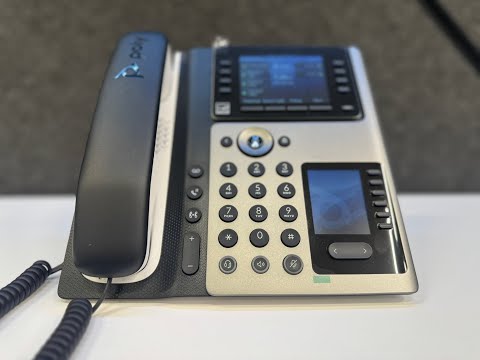
The player loads only when you choose Watch here. Playback uses YouTube’s privacy-enhanced embed; YouTube processes playback data.
Why this is useful
Get oriented to the Edge E450’s daily call controls, from answering and transferring to voicemail and Do Not Disturb. The provider demonstration also explains how configured shared park keys let a colleague retrieve a waiting caller, a useful starting point for staff using a desk phone with many monitored destinations.
Applicability
Version-specificPaul Bunyan Communications configuration on the Poly Edge E450. Softkey labels, lamps, voicemail prompts and parking destinations follow the service template.
Keep in mind
- The narration sometimes says tap; this model uses physical softkeys beside the display.
- Shared park keys and their lamp colors are configured behavior, not universal defaults.
Before you watch
Use a configured device and a willing test caller. Read the linked guide before changing settings.
Put it into practice
Practise an internal call, an attended transfer and a voicemail check. Turn DND on and off with a test caller so you understand its effect, then confirm the phone is available again before finishing.
Technical references
Editorial review Sep 8, 2026. Review used the complete available transcript and primary references; audio and screen readability remain unverified.