Poly VVX 450: a complete call-handling walkthrough with Arvig
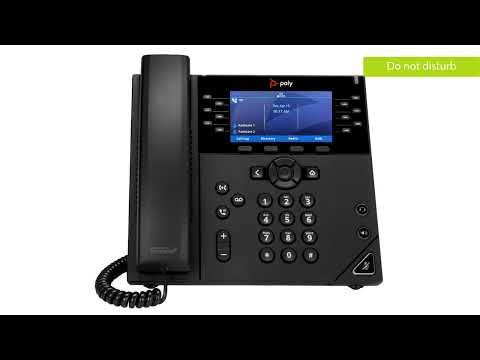
The player loads only when you choose Watch here. Playback uses YouTube’s privacy-enhanced embed; YouTube processes playback data.
Why this is useful
Work through a VVX 450’s daily operations, including selecting a waiting call, consulting before transfer, conferencing, voicemail and forwarding. The provider context helps explain why two otherwise identical phones can expose different softkeys or park destinations. Use the broader phone guide for orientation and the transfer troubleshooting page when a successful key sequence still fails to complete the handoff.
Applicability
Version-specificArvig Hosted PBX configuration on a Poly VVX 450. This is a VVX interface, not a Poly Edge E tutorial.
Keep in mind
- Voicemail transfer prefixes, remote mailbox access and parking destinations are provider settings.
- The default transfer type and behavior when hanging up can be configured. Read the displayed transfer mode.
- DND and forwarding may alter provider routing; restore the intended availability state after practising.
Before you watch
A configured phone, its service instructions and a willing test caller.
Put it into practice
Practise handling two test calls without losing the first caller. Then perform an attended transfer and confirm the caller reaches the intended colleague.
Technical references
Editorial review Sep 8, 2026. Review used the complete available transcript and primary references; audio and screen readability remain unverified.